Nick Basketball Stars 2
A closer look at the game, with a few useful things to know before you play.
The game at a glance
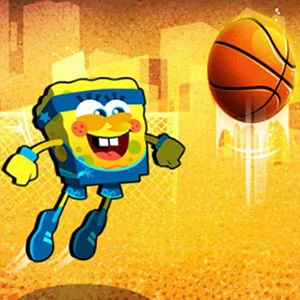
Nick Basketball Stars 2 is a fast-paced basketball game with cartoon-style characters. Control your player to dribble, pass, and shoot in quick matches.
The simplified controls make it easy to pick up, while the physics-based ball movement adds depth. Multiple game modes and character unlocks keep the experience fresh across many sessions.
Before you press play
Open the player and allow the game to load before interacting. The game is supplied by an external provider, so loading time depends on your connection, browser settings and the provider’s servers. You do not need a Snepu account to open it.
Start with the instructions shown inside the game. Those instructions are the best reference for the current controls, objective and available modes. A provider update can change features described in the overview.
A comfortable setup, on any screen
On a computer: use the mouse, trackpad or keys indicated by the game. Click within the player if keyboard input is not reaching it. Fullscreen can give you more room; press Escape to return.
On a phone or tablet: use the game’s on-screen touch controls where supported. If a screen feels cramped, try rotating your device and follow any orientation prompt. Some games are designed for a particular screen orientation or desktop controls.
If something needs a second try
If the player is blank, wait briefly, check your connection and reload the player once. Browser restrictions on third-party content or storage can affect some games; review the provider’s privacy choices before changing browser settings. Game progress may be stored by the provider and can be lost when site data is cleared.
If the issue continues, contact Snepu with the game name, page URL, device and browser. Avoid sharing personal details inside a game unless you have reviewed the provider’s policy.
Ready to explore? Play Nick Basketball Stars 2 ↗